
Contact Info

Hostnali Webhost Limited

+254 748285257

[email protected]

ORDER NOW

Imagine spending months building your website only to lose everything because of a hacked site, failed update, server issue, or accidental deletion. Unfortunately, website data loss happens more often than many business owners expect.

Backups act as your website’s insurance policy. They allow you to restore your website quickly when something goes wrong.

Whether you run a blog, ecommerce store, school portal, company website, or business website, regular backups are essential.

This guide explains everything you need to know about WordPress backups and how to protect your website in 2026.
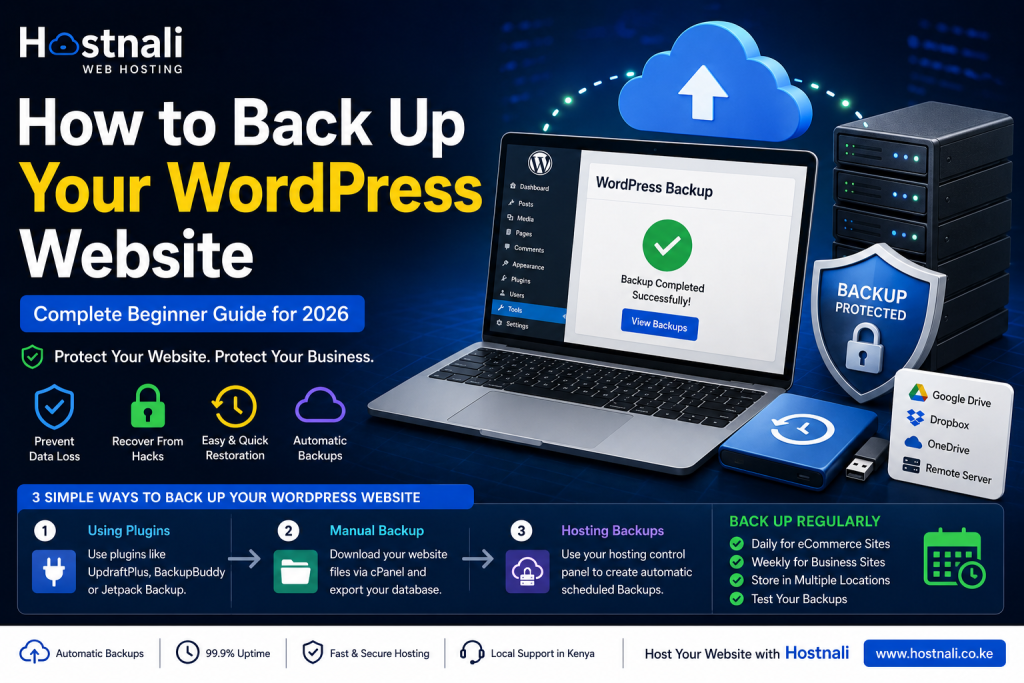
How to back up your WordPress site


Quick Answer / TL;DR

  • Backups protect your website from data loss.
  • Always back up files and databases.
  • Use automatic backups whenever possible.
  • Store backups in multiple locations.
  • Test backups regularly.
  • Reliable hosting providers often include backup solutions.

What Is a Website Backup?

A website backup is a copy of your website data that can be restored if problems occur.

A backup usually includes:

  • Website files
  • WordPress core files
  • Themes
  • Plugins
  • Images
  • Databases
  • Settings

Without backups, recovering lost website data can be difficult or impossible.


Why Website Backups Matter

Backups protect your website against:

Hacking Attacks

Hackers may damage or alter website files.


Failed Updates

Plugin or WordPress updates sometimes cause issues.


Human Errors

Accidental deletion happens more often than expected.


Server Problems

Hosting issues can occasionally affect websites.


Malware Infections

Malware can damage files and databases.


What Happens If You Don’t Have Backups?

Without backups you may experience:

  • Permanent data loss
  • Downtime
  • Lost customers
  • Reduced trust
  • SEO problems
  • Lost sales

Recovering from major website problems becomes much more difficult.


Types of WordPress Backups

Full Backup

Includes:

  • Website files
  • Database
  • Themes
  • Plugins
  • Media files

Best for complete protection.


Database Backup

Includes:

  • Posts
  • Pages
  • User information
  • Website settings

Does not include images or themes.


Incremental Backup

Only saves changes since the previous backup.

Benefits:

  • Faster backups
  • Less storage use

Method 1: Back Up WordPress Using Plugins

Plugins provide one of the easiest backup methods.

Popular backup plugins include:

  • UpdraftPlus
  • BackupBuddy
  • Jetpack Backup
  • All-in-One WP Migration

Typical process:

Step 1

Install the backup plugin.


Step 2

Configure backup settings.


Step 3

Choose backup frequency.

Examples:

  • Daily
  • Weekly
  • Monthly

Step 4

Select storage location.


Step 5

Run backup.


Method 2: Manual Backup Using cPanel

You can also create backups manually.

Step 1: Log into cPanel

Open your hosting dashboard.


Step 2: Open File Manager

Locate website files.


Step 3: Download Website Files

Compress and download:

  • public_html folder
  • Website files

Step 4: Export Database

Go to:

phpMyAdmin

Select:

Export → Quick Export → Download


Manual backups require more effort but provide additional control.


Method 3: Use Hosting Backup Features

Many hosting providers include backup tools.

Benefits:

  • Automatic scheduling
  • Easier restoration
  • Reduced manual work

Hosting-level backups can simplify website management significantly.


Best Places to Store Website Backups

Avoid storing backups in only one location.

Recommended options:

Cloud Storage

Examples:

  • Google Drive
  • Dropbox

External Hard Drives

Provides offline storage.


Remote Servers

Adds another protection layer.


Hosting Storage

Useful as an additional backup location.


How Often Should You Back Up Your Website?

Recommended schedules:

Personal Blog

Weekly


Business Website

Daily or weekly


Ecommerce Store

Daily


News Website

Daily or multiple times daily


High-Traffic Website

Frequent automatic backups


Common Backup Mistakes to Avoid

Not Backing Up Regularly

Old backups may not contain recent changes.


Keeping Only One Backup Copy

Always use multiple storage locations.


Never Testing Backups

A backup that cannot restore properly is useless.


Forgetting Database Backups

Files alone are not enough.


Storing Backups on the Same Server

If the server fails, backups may also be lost.


How to Restore a Backup

General restoration process:

Step 1

Upload website files.


Step 2

Restore database.


Step 3

Reconnect website configuration.


Step 4

Test website functionality.


Many plugins simplify restoration with one-click recovery.


Signs You Should Restore a Backup

Consider restoring when:

  • Website becomes inaccessible
  • Malware infects files
  • Updates break functionality
  • Important content disappears
  • Website displays errors

Why Reliable Hosting Matters for Backups

Quality hosting providers can simplify backup management.

Good hosting should include:

  • Backup tools
  • Secure storage
  • Easy restoration options
  • Stable servers
  • Technical support

Why Choose Hostnali for WordPress Hosting?

Hostnali provides hosting solutions designed for reliability and website protection.

Benefits include:

  • Fast NVMe hosting
  • WordPress optimization
  • SSL certificates
  • Reliable support
  • Easy hosting management
  • M-Pesa payment support

Whether you run a business website, school portal, ecommerce store, or blog, having dependable hosting helps reduce website risks.


Frequently Asked Questions

Are backups really necessary?

Yes. Backups protect against unexpected website problems and data loss.


How often should I back up my website?

Daily backups are recommended for active websites.


Are backup plugins free?

Many backup plugins offer free versions with basic features.


Can I restore my website after hacking?

Yes, if you have a clean backup available.


Should I store backups on my hosting server only?

No. Use multiple storage locations.


Does hosting affect backup reliability?

Yes. Reliable hosting often improves backup and restoration options.


Final Thoughts

Website backups are one of the most important parts of website management. They protect your work, reduce downtime, and provide peace of mind if problems occur.

Creating regular backups takes only a small amount of effort compared to the cost of losing an entire website.

Ready to protect your WordPress website?

Explore Hostnali WordPress Hosting Solutions and build your website with confidence.

Share this Post