 KES
 UGX - Uganda
 TZS - Tanzania
 RWF - Rwanda
 NGN - Nigeria
 ZAR - South Africa
 USD - Zimbabwe
 GHS - Ghana
 ETB - Ethiopia
 ZMW - Zambia
 USD - International

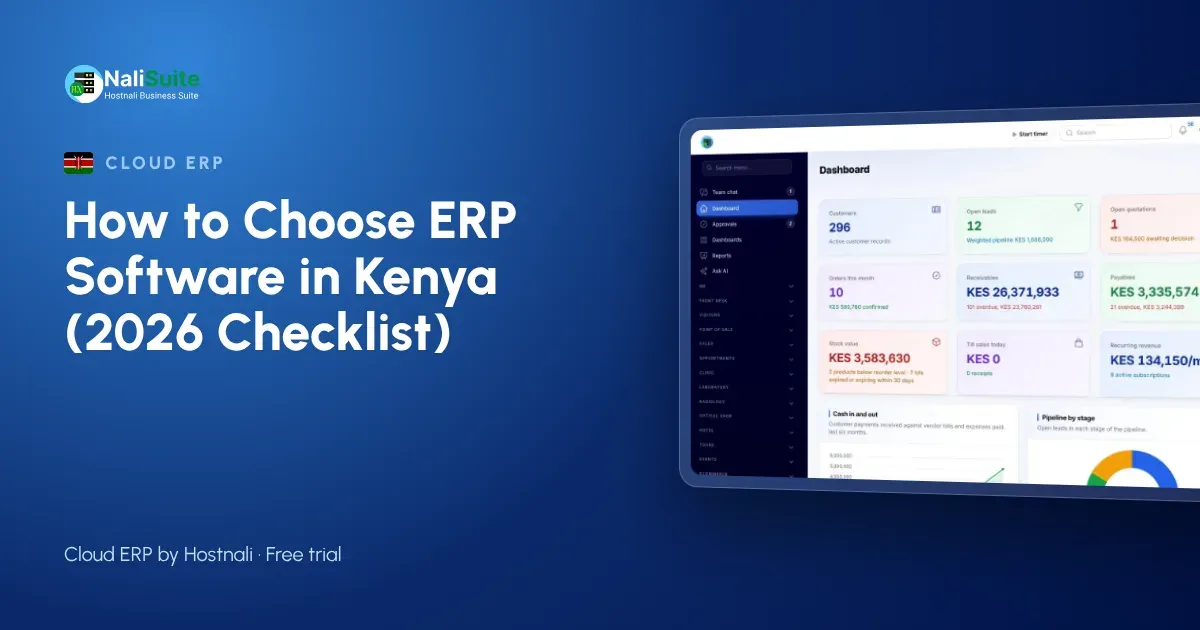
Most Kenyan SMEs start with a till, an M-Pesa statement and an Excel sheet. That works until the business opens a second branch, hires its fifth employee or gets its first KRA query about eTIMS invoices. This guide explains what to look for in ERP software in Kenya, using a pharmacy chain with branches in Nairobi and Eldoret as a running example. The companies named here are examples, but their situations are common.
ERP in plain words
Instead of separate tools for invoices, stock, payroll and accounts, an ERP keeps them in one place with one set of records. Enter a customer or product once and every app uses it. That is the whole point, and it is why the pharmacy group stopped retyping figures between spreadsheets. For the pharmacy group, that meant one customer list instead of four.
Signs you have outgrown spreadsheets
If two or more of these sound familiar, an ERP will pay for itself:
- the stock count never matches the sales record
- month-end takes days because figures come from different places
- nobody knows exactly who owes what without phoning around
- payroll is a spreadsheet only one person understands
- a second branch or warehouse is on the way
At the pharmacy group, the last straw was a stock count that differed from the sales record for the third month running.
It must handle M-Pesa properly
Customers in Kenya pay by M-Pesa or Airtel Money, card or bank transfer. Your ERP should send a payment prompt from the till, put a pay link on every invoice and match payments to invoices automatically. Ask how an M-Pesa payment reaches the books, and how long it takes. In NaliSuite, see mobile money payments. Wanjiru at the pharmacy group tested this first, before looking at any other feature.
Tax and invoicing rules
In Kenya, every business has to issue invoices through eTIMS, and KRA checks expenses in tax returns against eTIMS invoices. Your ERP should send invoices to eTIMS as you issue them. With NaliSuite and KRA eTIMS, NaliSuite provides the connection and you enter your own eTIMS credentials once. The pharmacy group checked how the tax settings work before importing a single product.
Do not forget payroll
If you employ staff, payroll should work out PAYE, NSSF, SHIF and the Affordable Housing Levy on every pay run, send payslips by email or WhatsApp and prepare the monthly schedules. See NaliSuite payroll for Kenya. Moving payroll into the same system meant the pharmacy group no longer depended on one spreadsheet and one person.
It has to keep working when the internet does not
Connections drop. A point of sale that keeps selling offline and syncs later protects your takings, and managers should be able to check sales and stock from a phone. For the pharmacy group, a till that kept selling during an outage was worth more than any report.
A worked example: the pharmacy group
Take a pharmacy chain with branches in Nairobi and Eldoret. Before switching, Wanjiru kept sales in one file, stock in another and payroll in a third, and the figures for Nairobi never agreed with the bank. The shortlist was simple: local payments, tax handled the way the Kenya Revenue Authority (KRA) expects, and a till that keeps going when the network drops in Nakuru. After a month of running both systems, the pharmacy group moved fully across and closed its books in a day instead of a week.
What it costs
Cloud ERP is usually a monthly subscription rather than a large licence fee. NaliSuite plans start from Ksh 250 a month with all 17 built-in apps; plans differ by users, storage and custom domain. Industry add-ons are optional extras. Compare the plans. When Wanjiru added up what the pharmacy group paid for separate tools, the comparison was easy.
How to switch without chaos
Import your lists first, set opening balances, then run the old and new systems together for one month before you stop the old one. For QuickBooks, Xero, Sage or Tally users there is a step-by-step switching guide. The pharmacy group moved its customer and product lists first and kept the old books for one more month.
Choosing an ERP in Kenya
For Kenyan businesses the deciding features are usually M-Pesa, eTIMS and payroll with PAYE, NSSF, SHIF and the housing levy. A system that handles all three in one place removes most month-end work.
Your checklist at a glance
| Question | Good answer |
|---|---|
| How do customers pay? | M-Pesa or Airtel Money, card or bank transfer, matched to invoices |
| Who sets tax rates? | you, in settings |
| Internet down? | the till keeps selling |
| More staff? | add users as you grow |
| Moving data? | import from Excel or CSV |
The pharmacy group used a list like this to compare three options side by side.
Frequently asked questions
What should a Kenyan business check first?
Local payments (M-Pesa or Airtel Money, card or bank transfer), tax handling and payroll. Without those, the rest does not matter.
Can I keep using Excel for some things?
Yes, especially during the switch. Import and export to Excel or CSV is normal.
Do I have to use every app?
No. Switch on the apps you need and leave the rest off until you are ready.
Who helps with setup?
Our team can help with the first import and the basic set-up.
Try NaliSuite
See whether NaliSuite fits Kenyan businesses like yours: look through the 17 built-in apps, pick a plan from Ksh 250 a month and test it with your own data.