 KES
 UGX - Uganda
 TZS - Tanzania
 RWF - Rwanda
 NGN - Nigeria
 ZAR - South Africa
 USD - Zimbabwe
 GHS - Ghana
 ETB - Ethiopia
 ZMW - Zambia
 USD - International

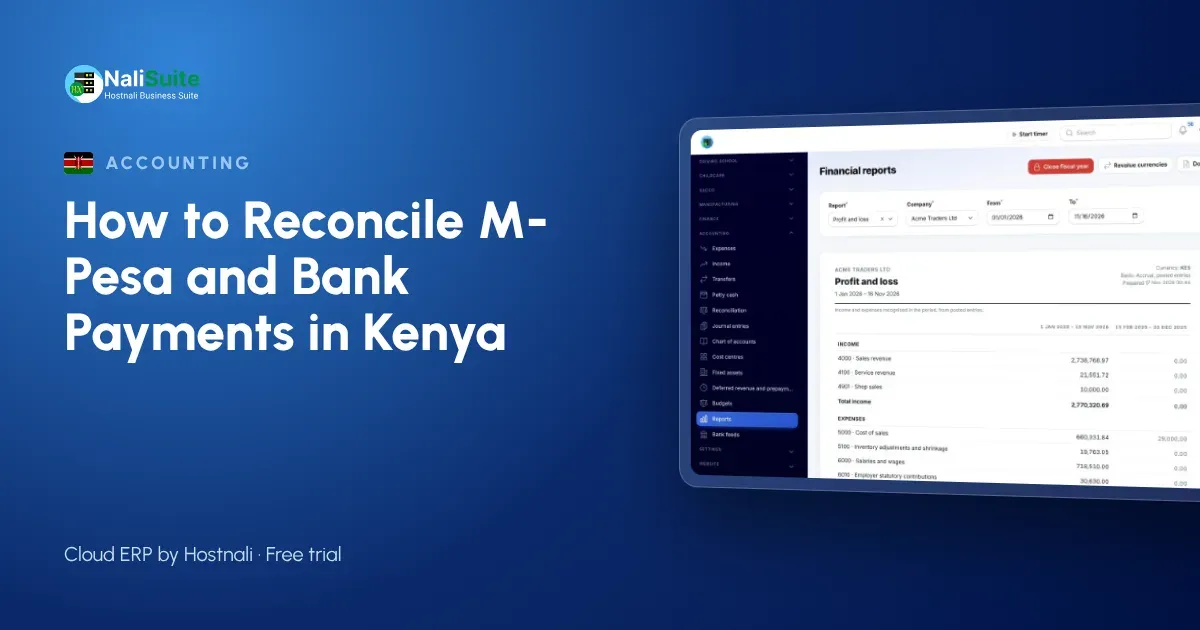
A wholesaler in Thika sells to forty shops on credit. Every evening the M-Pesa till statement shows dozens of incoming amounts, some with a shop name, many with only a phone number. By month end nobody can say for sure which shop still owes what. That gap between the money that arrived and the invoices it settles is exactly what reconciliation closes.
This guide walks through reconciling M-Pesa, Airtel Money and bank receipts against your invoices, using the habits that work for Kenyan businesses that are paid through paybills, tills and bank transfers.
Start with the paybill account number
Most reconciliation pain in Kenya begins at the moment of payment. When a customer pays to a paybill, the “account number” field is the only link between the money and your invoice. Tell customers to type the invoice number there, print it on every invoice and repeat it in reminders. Till numbers have no account field at all, so for credit customers a paybill or a pay link works better.
With NaliSuite Invoicing, every invoice carries a pay link and an M-Pesa prompt can be sent to the customer’s phone, so the payment arrives already tied to the right invoice.
The weekly routine, in five moves
Pull the statements. Export the M-Pesa statement from the business portal and your bank statement as CSV files for the same dates.
Clear the exact matches first. Where the amount equals an open invoice and the M-Pesa reference or account number points to it, mark it paid.
Untangle the awkward ones. A customer who pays one invoice in two instalments needs both payments recorded against one invoice; a shop owner who settles three invoices with one transfer needs that amount split.
Post the costs. M-Pesa transaction charges, bank ledger fees and transfers from the till to the bank account are real entries. Record them so they are not mistaken for missing sales.
Agree the balance. Your books should end on the same figure as the statement. If they do not, something is still unrecorded or entered twice.
Mismatches Kenyan businesses see most
| What you see | Usual cause | What to do |
|---|---|---|
| Payment from an unknown number | Paid by a relative or staff member | Match by amount and date, then confirm by SMS |
| Amount a little short | Customer deducted withholding tax or charges | Record the deduction and keep the certificate |
| Till sweep to the bank | Moving your own money | Record as a transfer, not income |
| Same receipt twice | Imported the statement twice | Delete the duplicate before matching |
Withholding deductions matter because KRA compares what you declare with eTIMS invoices and withholding records. Clean matching keeps those figures consistent. If you issue invoices through KRA eTIMS, your sales records and receipts start from the same numbers.
How often should you do it?
Daily for a busy till, weekly for most service businesses, and never less than monthly. Ten minutes on a Friday is easier than a whole day at month end, when you no longer remember who paid what.
Let the software suggest the matches
NaliSuite Accounting imports M-Pesa and bank statements and suggests the invoice or bill each line belongs to, using the amount, date and reference. You confirm the suggestions instead of searching. The Bank Feeds add-on brings bank lines in automatically, and the reconciliation feature handles part payments and one payment covering several invoices.
Reconciling a busy till: a worked week
Take a mini-supermarket in Nakuru with one till, one paybill and one bank account. On Monday the owner exports last week’s till statement: 312 receipts. About 290 are small cash-and-carry sales already recorded by the point of sale, so they match automatically. Fifteen are credit customers paying their invoices to the paybill; twelve of them typed the invoice number, three typed their shop name. The owner matches the twelve, looks up the three by amount and date, and sends one SMS to confirm a doubtful one. Seven lines are M-Pesa charges and two are sweeps to the bank. Twenty minutes later the till balance agrees, the debtor list is right and the owner knows exactly which shops to call.
A second example: a Mombasa clearing agent
A small clearing agent in Mombasa invoices importers for service fees and disbursements. Clients pay by bank transfer, often one transfer for several consignments, and smaller clients pay to the paybill. The agent’s rule is that every invoice number begins with the consignment reference, so a narration such as “CN 2231 2235” tells the bookkeeper which two invoices a transfer covers. Disbursements paid on the client’s behalf are recorded as amounts to recover, not as the agent’s own expenses, so reconciliation shows clearly which clients still owe for duties and port charges paid on their behalf.
Mistakes we see in Kenyan books
- Treating the till as the bank. Money sitting on a till or paybill is a separate account in your books, with its own reconciliation.
- Ignoring reversals. Safaricom reversals of mistaken payments must be recorded, or the M-Pesa balance never agrees.
- Recording withholding late. If a customer withholds VAT or income tax, record it when the payment arrives, with the certificate.
- One person doing everything. Where possible, the person who receives money should not be the only one who reconciles it.
Frequently asked questions
Can I reconcile M-Pesa statements the same way as bank statements?
Yes. Export the M-Pesa statement, import it and match each line to an invoice or bill just as you would for the bank.
What if a customer pays the wrong amount?
Record what was actually received. A shortfall leaves a balance open on the invoice; an overpayment sits as credit for the next invoice or is refunded.
Do I need an accountant for this?
You can reconcile yourself. Many businesses still ask an accountant to review the month and prepare tax returns.
What happens to an M-Pesa reversal?
Record the original receipt and the reversal as two entries so the M-Pesa account in your books still agrees with the statement.
Should paybill and till accounts be separate in the books?
Yes. Give each paybill, till and bank account its own account in the books and reconcile each one.
Try NaliSuite
Plans start from Ksh 250 a month with all the built-in apps, including invoicing and accounting. Compare the plans and start a free trial.