 KES
 UGX - Uganda
 TZS - Tanzania
 RWF - Rwanda
 NGN - Nigeria
 ZAR - South Africa
 USD - Zimbabwe
 GHS - Ghana
 ETB - Ethiopia
 ZMW - Zambia
 USD - International

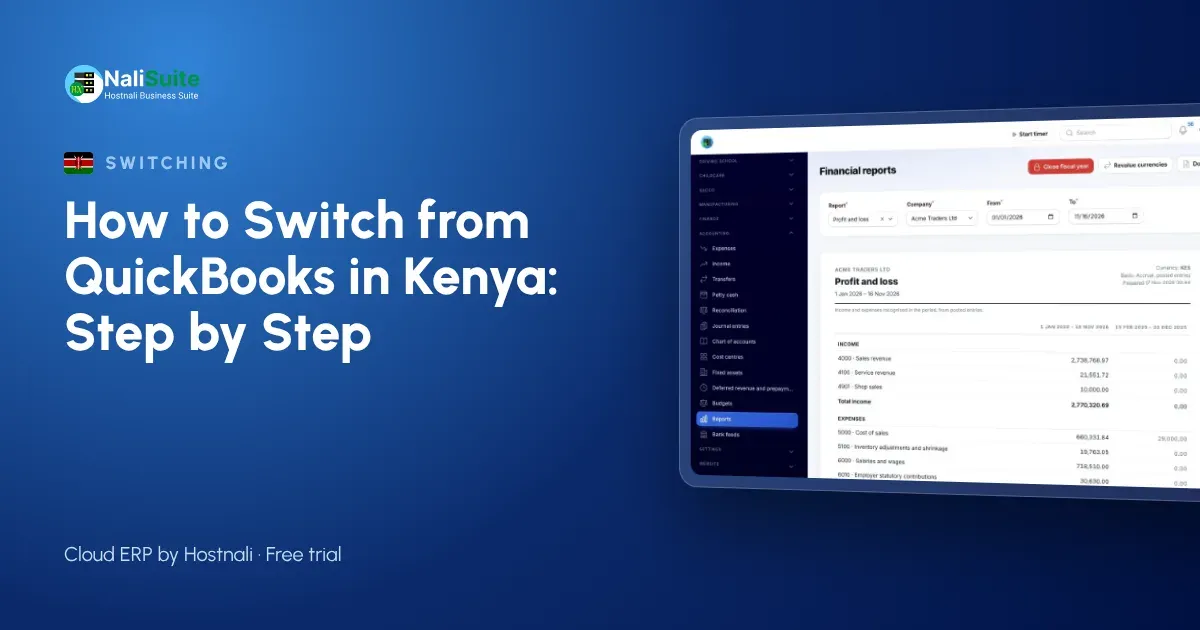
Plenty of Kenyan businesses started on QuickBooks or Excel and now run sales, stock, M-Pesa and payroll in four different places. Switching sounds risky, but with the right order it takes days, not months.
What you gain
QuickBooks, Xero and Sage keep your books. NaliSuite keeps your books and runs the rest of the business: CRM, quotations, accounting, invoicing with M-Pesa or Airtel Money payments, stock, the till, HR and payroll, on one login. See the full comparison on the switch from QuickBooks page.
Kenya-specific details
Kenyan businesses should bring across each customer’s and supplier’s KRA PIN, set up VAT where registered, and connect KRA eTIMS with their own eTIMS credentials so invoices are sent as they are issued. M-Pesa paybill or till statements can be imported for reconciliation from day one.
Questions to answer before you start
- What is your go-live date, and is your bookkeeper happy with it?
- Which reports does your bookkeeper need from you each month in Kenya?
- Will your bookkeeper work in NaliSuite, or should you keep a QuickBooks or Xero sync?
- How many branches, tills and warehouses need setting up?
- Are there old invoices to write off before you import?
- Does payroll move now, or after the ledger?
Tidy up first
Most switching problems are old problems carried across: duplicate contacts, items with no price, stock that exists only on paper. Spend an afternoon fixing the Excel file before you import. It is far quicker than fixing hundreds of records afterwards.
What to take out of the old system
You do not need every transaction from the past five years. What you need is:
| Data | Why |
|---|---|
| Customers and vendors | So you can invoice and pay from day one |
| Items and prices | For quotations, invoices and the till |
| Chart of accounts | To map your balances |
| Trial balance figures at the go-live date | Your starting balances |
| Open invoices and bills | So debts and payables continue |
| Stock on hand | So stock values match the ledger |
Step 2: import in the right order
Order matters because each record depends on the one before it:
- Chart of accounts (or map yours to NaliSuite’s country pack).
- Contacts: customers and vendors.
- Items and services.
- Starting balances from the trial balance figures.
- Open invoices and bills.
- Stock quantities and values.
Each import is an Excel or CSV upload where you match your columns to NaliSuite’s fields.
An example from Kenya
A pharmacy group in Nairobi with three branches kept its books in QuickBooks, stock in a separate POS and payroll in Excel. Every month the accountant re-keyed M-Pesa till reports into QuickBooks. After moving to NaliSuite, sales from the tills, M-Pesa payments and stock moves post themselves, and the accountant now reviews instead of typing.
Stock, the till and payroll
Accounting is only part of the move. Load opening stock per shop or warehouse into Inventory so the till and the ledger start from the same numbers, and set up the point of sale for each branch. If payroll moves too, add employees with their contracts and statutory numbers; statutory payroll works out PAYE, NSSF, SHIF and the Housing Levy from the first pay run.
Three things that cause most problems
Missing starting balances, duplicate customers and a parallel run that never ends. Agree the opening trial balance figures with your bookkeeper, clean the contact list before importing and set a firm date to stop using the old system.
A middle way: sync
If a full move feels too big, connect NaliSuite to QuickBooks or Xero with the QuickBooks and Xero Sync add-on. Invoices and payments created in NaliSuite appear in your accounting package, and you can switch fully later.
A short parallel run
A parallel run is your safety net. Use NaliSuite for real work from the go-live date, and at the end of the first month compare its trial balance figures with the old system’s. If they agree, you are done; if not, the difference usually points to one missing invoice or a mistyped opening balance.
Your first month after the switch
Plan the first month carefully. Week one: invoicing and receipts from NaliSuite only. Week two: purchases and supplier bills. Week three: bank reconciliation and M-Pesa or Airtel Money payments. Week four: stock count, payroll and the comparison with the old trial balance figures. Companies in Nairobi and Mombasa that follow this order rarely need to go back.
What it costs
NaliSuite plans start at Ksh 250 a month, with all 17 built-in apps on every plan, so you are not paying separately for accounting, invoicing, stock and payroll. Compare that with what you spend today on licences and add-ons, and on the hours spent re-keying data between them.
Coming from Tally or Odoo
The Tally and Odoo migration add-on brings ledgers, items and parties across from Tally and Odoo, so you do not have to rebuild them by hand.
Frequently asked questions
Can I keep my KRA PINs and VAT settings?
Yes. Import KRA PINs with your contacts and set your VAT rates once; every invoice uses them.
Will my M-Pesa history come across?
Bring opening balances and open invoices; past M-Pesa statements can be imported for reconciliation if you need them.
How long does a switch take?
A small business can import its lists and balances in a day or two. Plan a month of comparison before you retire the old system.
Try NaliSuite
Every NaliSuite plan includes accounting, invoicing, stock, POS, HR and payroll, from Ksh 250 a month. Start a free trial, import your lists and see your own numbers in it, or compare the plans.